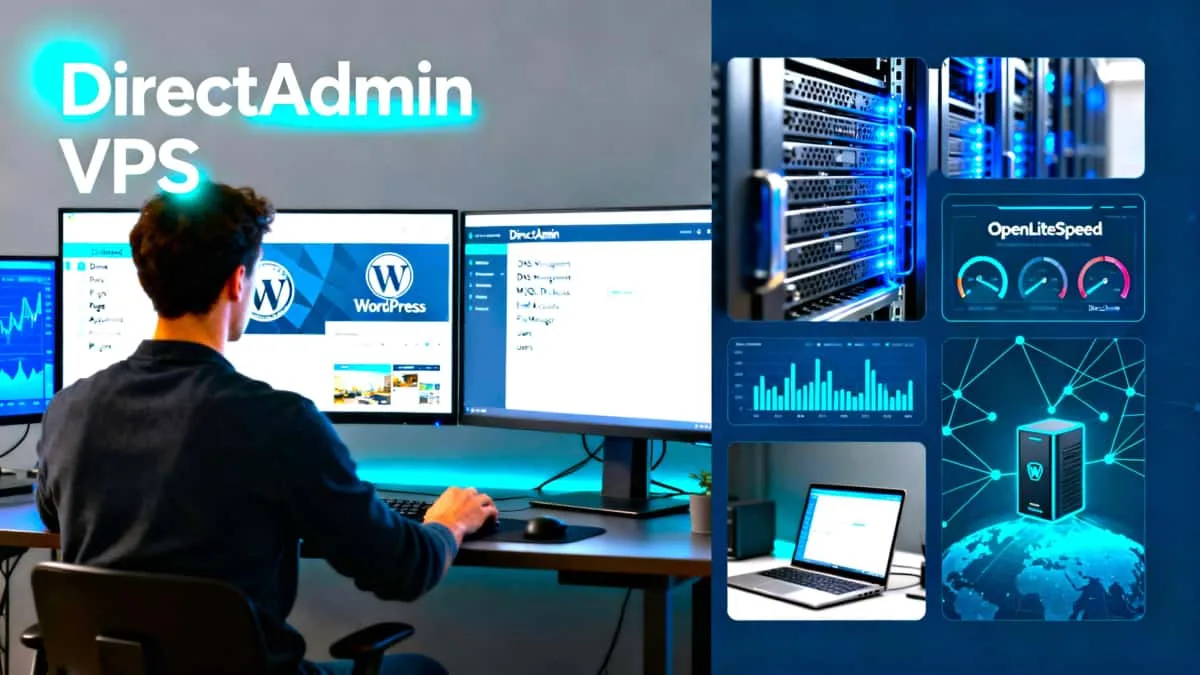
Build a stable, low‑cost DirectAdmin VPS from scratch, and get it ready for domains management. Follow a tested path using AlmaLinux 10, DirectAdmin, OpenLiteSpeed, solid DNS/SSL, and email deliverability. Clear steps, verified commands, and quick checks at every stage.
We’re Brand NEW! 
Revisit often as DirectAdmin VPS just started in November, 2025. Watch the ongoing progress of posts addressing all phases of installing, configuring, and using an unmanaged VPS with DirectAdmin. Did I mention that this site is running on the exact stack that’s being written about?
What you’ll accomplish
- Provision a VPS and secure SSH access on Windows (PuTTY).
- Configure AlmaLinux 10 with updates, hostname/FQDN, and time sync.
- Install DirectAdmin correctly and set up DirectAdmin admin backups.
- Configure CustomBuild, install OpenLiteSpeed, and verify PHP integration.
- Bring domains online with DNS, nameservers, SSL, and rDNS.
- Achieve solid email deliverability with SPF, DKIM, and DMARC.
- Establish backups, firewall, updates, and adding in more optional services and functions.
Who this site is for
If you’re still deciding how hands-on you want to be, start with Managed vs Unmanaged VPS: When DIY Hosting Makes Sense to see whether an unmanaged DirectAdmin VPS fits you.
- Solo admins and builders who want predictable control without managed hosting costs
- Anyone comfortable pasting commands and following checklists
How to use this guide
- Start by tapping on each numbered category in the navigational menu. The easy numeric sequence is the order to follow.
- Read each category overviews for context and prerequisites.
- Category 1. Unmanaged VPS Setup
- Category 2. DirectAdmin Setup
- Category 3. Using DirectAdmin
- Decide which revealed posts are right for you under your chosen category.
- When the platform is ready, hand off WordPress app setup to WordPressBricks.com
Category Stage 1: Provisioning & VPS Setup
This section focuses on discovering and provisioning a good host and VPS plan. Then, it’s how to get that unmanaged VPS setup and ready on the OS of your choice. The platform used here is AlmaLinux but you can use your preferred Linux system.
- VPS provisioning and AlmaLinux 10 baseline: See How to Set Up a Linux VPS – Commands Checklist.
- SSH key setup, user accounts, and SSH hardening
- Initial updates and repository setup
- Choosing a host / provider (host selection criteria): See Unmanaged VPS Hosting: 8 Criteria to Pick the Right Provider.
Category Stage 2: DirectAdmin Setup (Install & Configure)
This phase involves everything about getting DirectAdmin installed and ready for quick and easy usage.
- DirectAdmin installation on AlmaLinux 10: See DirectAdmin Install: Step-by-Step Guide for AlmaLinux 10.
- Admin security: passwords, 2FA options, backups planning
- ADMIN backups scheduling and recovery drills: See Schedule ADMIN Backups.
- OpenLiteSpeed Installation using DirectAdmin and LiteSpeed’s PHP integration
- Basic DirectAdmin configuration and prep for downstream components
- First-login tasks and routine maintenance plan
- Firewall basics and edge-case hardening
Category Stage 3: Using DirectAdmin
This major area is to be filled with a lot of topics covering many functions and features. In detail, it involves the many ways to use DirectAdmin for easily managing the VPS. Overall, it’s the post-install usage after DirectAdmin is in place. It covers creating and managing all types of domains, DNS, SSL, email, other installs, and ongoing maintenance and updates. Here’s a short list of topics, both current and planned.
- Domain management (primary/addon/subdomains)
- DNS records, NS updates, TTLs, registrar updates
- SSL certificates: Let’s Encrypt or custom certs via DirectAdmin
- Email deliverability: SPF, DKIM, DMARC, rDNS, testing
- Per-domain PHP tweaks
- Maintenance, Monitoring & Updates
- OS updates, DirectAdmin updates, PHP updates, firewall updates, OpenLiteSpeed updates—performed via DirectAdmin after installation
- Benchmarks & Performance Tests
What’s included in each guide
- Checklists that are easy-to-follow and step-by-step
- Prerequisites and estimated times
- Copy‑paste commands in code blocks
- Verification steps to confirm success
- Common errors and quick fixes
- Internal links to prerequisites and next steps
Why this stack
- AlmaLinux 10: stable, enterprise‑grade base, lean with high performance
- DirectAdmin: lightweight control panel with active updates & clear tooling
- OpenLiteSpeed: fast, efficient web server that opens up more native functions using the LSCWP plugin.
- Clear DNS/SSL/email practices: fewer surprises and better deliverability
Performance and security basics
- Key‑based SSH, enforced HTTPS, and minimal plugins
- Server‑level caching and HTTP/3 where applicable
- Routine updates
- Excellent PSI (PageSpeed Insights) performance metrics in high 90s-100 by following the guides
After Your VPS & DirectAdmin are Setup, Continue Here
- WordPress app‑level installs, tuning, and caching configurations live at WordPressBricks.com, our sister site. Visit that project site for some concurrent and next tasks to perform. It’s easy to perform WordPress website installs & setups. Just follow the guides on this site for adding your newly registered domain and add its WordPress website following the guides on WordPressBricks.com. You’ll find it very easy to manage using both sites as they routinely refer to each other for the proper next steps.
Ready to begin?
Just tap on the DirectAdmin VPS navigational menu categories of: 1. Setup VPS, 2. Setup DirectAdmin, or 3. Use DirectAdmin. Your selection is all depending on where you’re currently at or where you want to be. Just follow the easy phased sequences to build a stable VPS and manage it following along with these DirectAdminVPS guided posts.