
Purpose
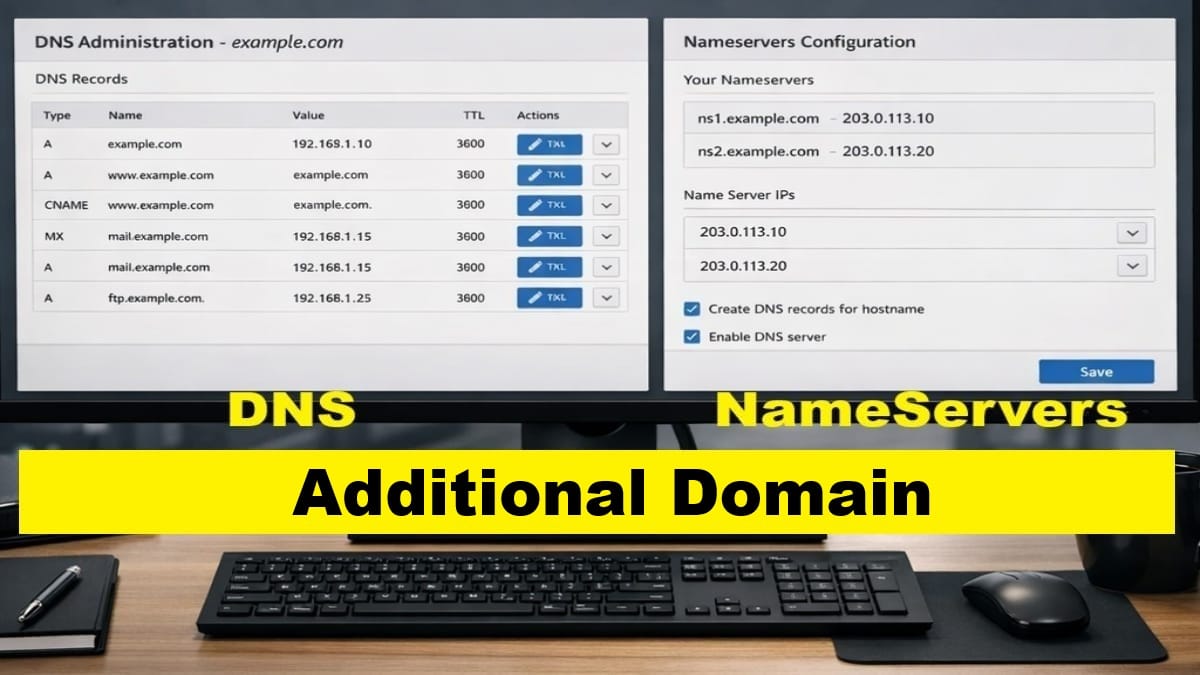
This post configures DNS and nameservers for an additional domain added to a DirectAdmin VPS.
Unlike the account domain, additional domains reuse some of the existing server‑level DNS infrastructure. No nameserver registration and less server‑level DNS is required.
This post focuses only on per‑domain DNS actions. Also, it intentionally mirrors the account domain DNS workflow but omits all server‑level and one‑time steps.
Scope and Applicability
- Applies to Additional Domains only
- Requires a fully configured Account Domain
- Repeatable for each additional domain
- No account‑domain or server‑level DNS steps are included
Prerequisites
- The additional domain exists in DirectAdmin
- The account domain’s DNS and nameservers are already functional
- Nameservers are already registered at the registrar
- No SSL or mail configuration has been started for this domain
Assign Nameservers at the Domain Registrar
At the domain’s registrar, assign the same nameservers used by the account domain.
No new nameserver registration is required.
If needed, follow the canonical procedure:
Add Required DNS Records in DirectAdmin
With nameservers assigned, add the required DNS records for this domain.
Use the same record structure applied to other domains on this server.
Follow the canonical DNS procedure:
Do not add account‑domain‑only records.
External DNS Provider Cleanup (If Applicable)
If the domain was previously managed by an external DNS provider, stale records may interfere with resolution.
If QUIC.cloud or another provider was used, perform cleanup as needed:
Verification
Before proceeding, confirm:
- The domain resolves using the assigned nameservers
- DNS records exist and match the server configuration
- No SSL certificates have been issued yet
Stop Point
Do not perform any of the following yet:
- Issue SSL certificates
- Create mailboxes
- Configure mail authentication
Next step:
Proceed to the next post to configure SSL for this domain.