
Purpose
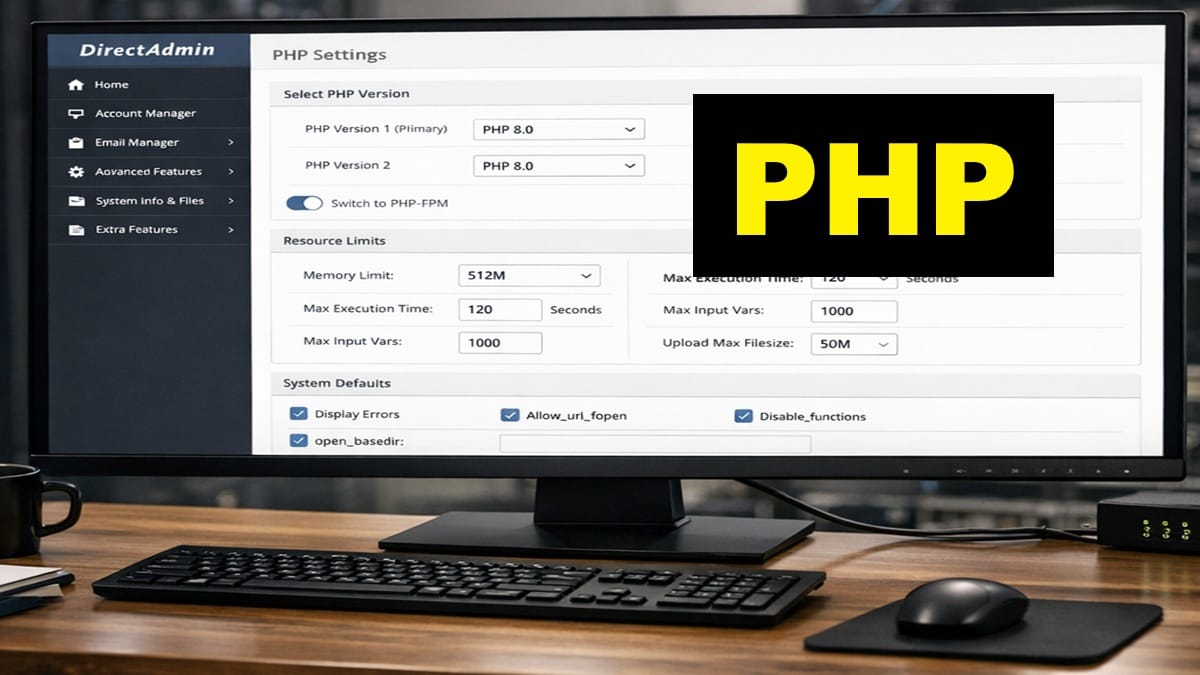
This post applies required PHP settings and DirectAdmin user defaults now that the account domain exists.
These settings must be applied before DNS, SSL, and mail configuration. They establish server‑wide behavior that all future domains inherit.
This is a one‑time operation per VPS.
Scope and Applicability
- Applies to the Account Domain only
- Performed one time per VPS
- All future domains inherit these defaults
Prerequisites
- The account domain has already been created in DirectAdmin
- DirectAdmin is accessible at the Admin level
- No DNS, SSL, or mail configuration has been started yet
If system updates are pending, complete them before continuing:
Apply PHP Settings for the Account Domain
With the account domain now created, PHP settings can safely be applied.
Follow the canonical procedure here:
These settings define:
- PHP version selection
- Resource limits
- Handlers and execution mode
- Defaults that future domains inherit automatically
Do not customize PHP on a per‑domain basis at this stage.
Apply DirectAdmin User Defaults
After PHP settings are applied, confirm required DirectAdmin user‑level defaults that affect all domains.
These settings are applied once and persist for all future domains created on this VPS.
Where applicable, use the canonical procedures page for reference and verification.
Verification
Confirm the following before proceeding:
- PHP settings are applied to the account domain
- PHP version and limits are visible and correct
- No DNS records have been modified
- No SSL certificates have been issued
If any setting was missed, correct it now before moving forward.
Stop Point
Do not perform any of the following yet:
- Add or modify DNS records
- Issue or assign SSL certificates
- Configure mail services or authentication
Those steps depend on these PHP and user defaults being in place first.
Proceed to the next post to begin establishing the DNS and nameserver prerequisites required before SSL and mail configuration can safely occur.