
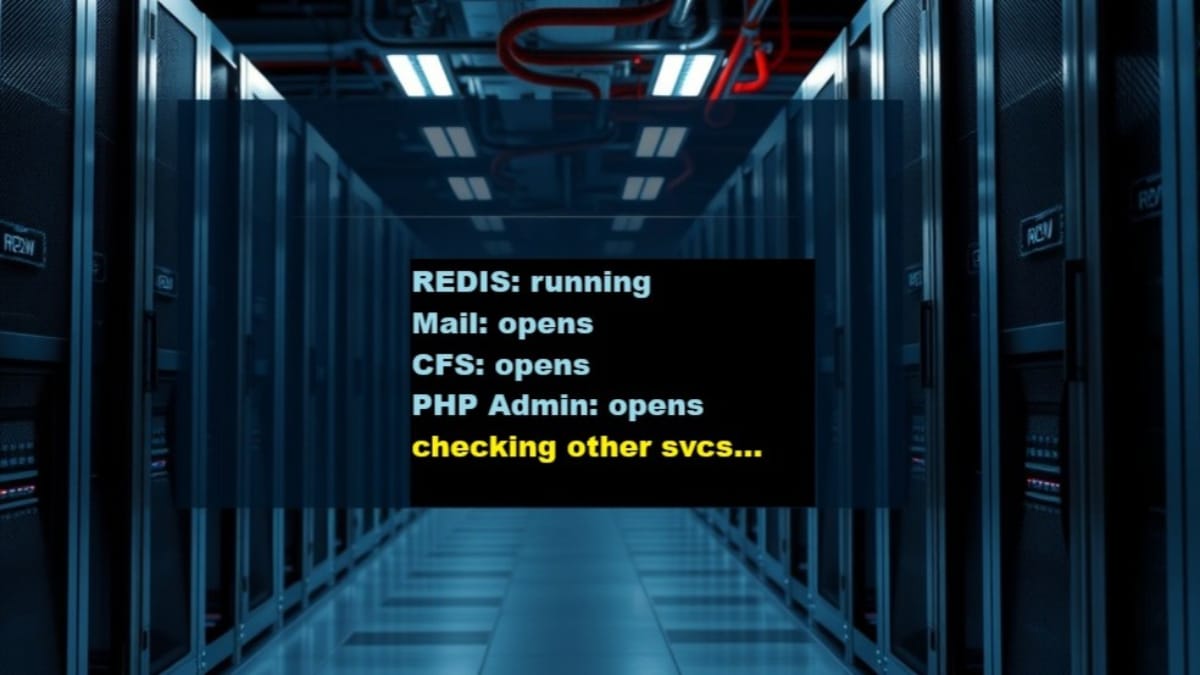
This checklist confirms that required supporting services are available and functioning for an additional domain before any mail configuration or testing begins. These checks are shorter and derivative because server‑level services were already validated earlier in the account domain flow.
Prerequisites and sequencing
- The additional domain has been added to the DirectAdmin VPS.
- Per‑domain PHP settings have been applied.
- Authoritative DNS is live.
- SSL is active and verified for the domain.
If SSL is not stable or HTTPS access shows warnings, stop and return to the SSL step before proceeding.
Confirm Redis service availability
Redis is required for reliable performance and must be confirmed before mail setup.
- Verify Redis is running on the server.
- Confirm DirectAdmin detects Redis as available.
If Redis is unavailable, reports errors, or you need to confirm it is still running, you may reference the reusable procedure below for verification and diagnostic checks:
Confirm DirectAdmin Extra Features availability
Mail‑related features depend on required DirectAdmin services being active.
- Confirm required Extra Features are accessible in DirectAdmin.
- Verify no feature‑level errors are present.
Confirm HTTPS stability before mail work
- Load the domain over HTTPS.
- Confirm no certificate warnings or mixed‑content errors.
Stop point: do not perform any of the following yet:
- Enable DKIM
- Configure SPF or DMARC
- Create or test mail routing
Mail identity and authentication steps depend on SSL and supporting services being stable and verified first.
Failure handling
- If Redis or Extra Features are unavailable, resolve those issues before continuing.
- Do not attempt mail setup while service errors exist.
Next step:
Proceed to next step to Activate and Test Email for an Additional Domain.