
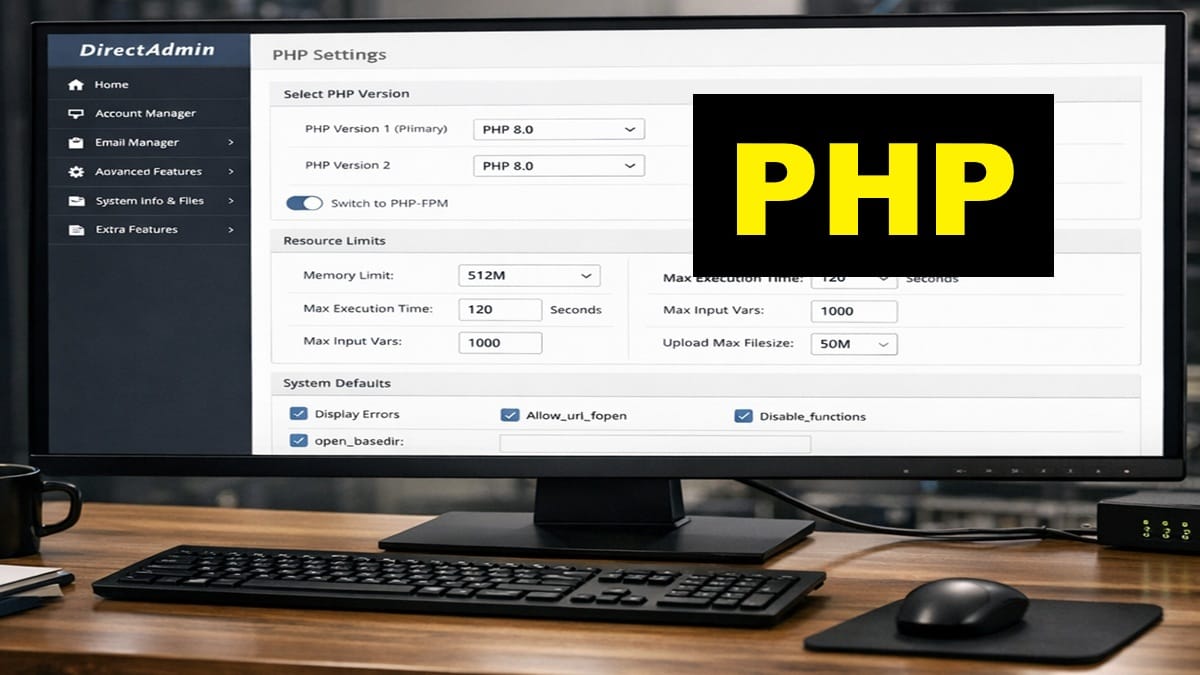
This is done individually for all domains. This updates PHP.ini file (or is a virtual equivalent). Some PHP Settings weren’t set until now, since the domain was just created. Also, read the Bricks Builder server requirements.
Scope and Applicability
- Applies to any domain individually
- They are to be applied before DNS, SSL, and mail configuration.
Prerequisites
- The domain has already been created in DirectAdmin
- DirectAdmin is accessible at the Admin level
- No DNS, SSL, or mail configuration has been started yet on the domain
If any updates are pending, strongly consider to complete them before continuing:
- Performing DirectAdmin Version Updates
- Applying DirectAdmin System Packages Updates
- Applying DirectAdmin CustomBuild Updates
Follow the canonical procedure here.
- Operational Notes:
- Several of these PHP Settings typically meet or exceed Kadence & Bricks Template & Block Requirements.
- These PHP Settings are being referenced as PHP Overrides by DirectAdmin.
- These settings define: handlers and execution mode, PHP version selection, & resource limits.
- Do not customize PHP on a per‑domain basis at this stage. Remain focused only on this domain.
- From DirectAdmin Control Panel | USER:
- Go to <Account Manager> | <PHP Settings>.
- Ensure correct domain is selected (in top right area).
- Operational Note: Must refresh browser screen to reflect current settings.
- If available, select PHP version and apply the following settings.
- Max execution time helps ensure pCloud file uploads & downloads have a good performance.
- Max upload size is flexible. I have them high so I can upload large files into File Station.
- To prevent an upcoming WP Site Health notification, try to make post_max_size be HIGHER than upload_max_filesize.
- From “Add New Override”, just select setting you want from the dropdown box, Then, tap
. Below are the new settings to Add so you can then update each setting. - Operational Note: This setting does exist but isn’t displayed on the existing list (so, don’t add it again):
- allow_url_fopen: enable
- max_execution_time = 300 (default was 30). Tap to <Add>. 180 is Min for Bricks Builder.
- max_input_vars = 2500 (default was 1000). Tap to <Add>. 2500 is Min for Kadence.
- memory_limit = 368M-1024M (default was 128M). Tap to <Add>. Use higher amount for anticipated large or complex sites. 250M is Min for Kadence.
- At this point, it will start giving a popup msg listing the latest changes. Just tap <Close> each time from this point forward.
- post_max_size = 128M (default was 8). Tap to <Add>. (MUST be larger than upload max)
- upload_max_filesize = 64M default was 2M). Tap to <Add>. (>=64MB for Bricks Builder)
- Tap <Save>.
- Operational Note: This setting does exist but isn’t displayed on the existing list (so, don’t add it again):
- If PHP versions are selectable, repeat above steps for all other PHP versions.
Stop Point
Do not perform any of the following yet:
- Add or modify DNS records
- Issue or assign SSL certificates
- Configure mail services or authentication
Those above listed items, covered elsewhere on this site, depend on these PHP settings as required defaults to be in place first.
Next Steps
Depending on what brought you here, you can easily return to that exact area on the page. Just, click any of these specific areas or checklist sections you recognize that led you here.
- Complete Setup Guide: Return to section “Perform PHP Checklist after ANY Domain was added to DirectAdmin ” and continue after follow this PHP Checklist.