
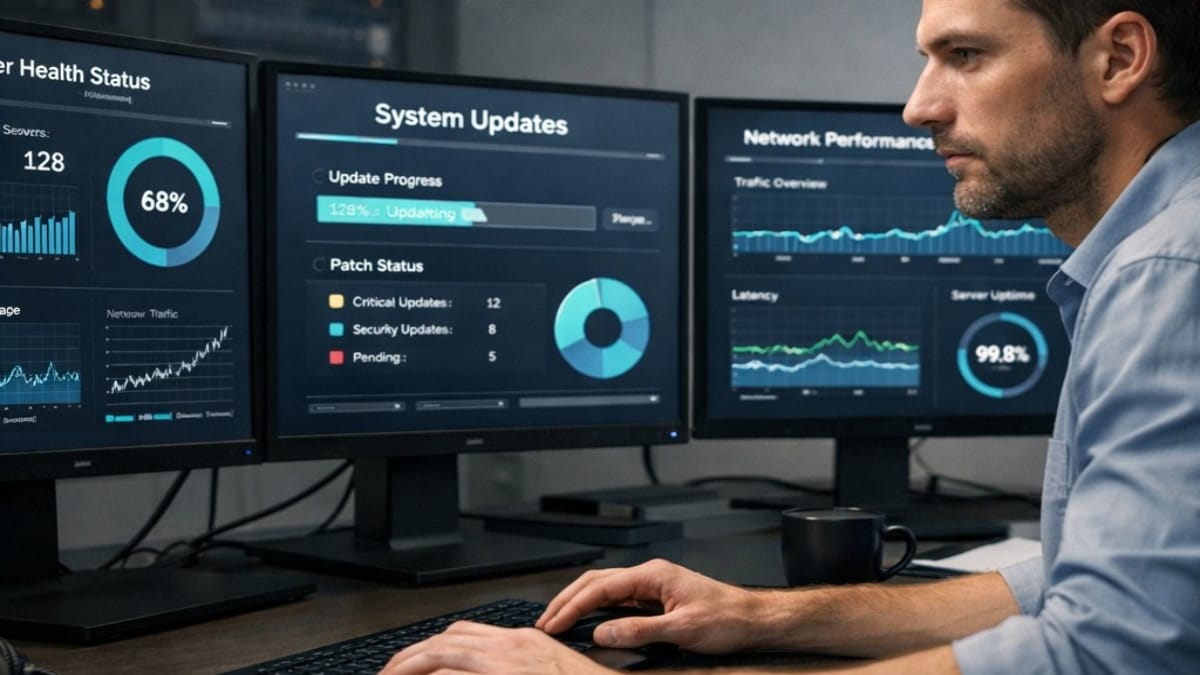
Maintenance & Operations is the phase where a DirectAdmin VPS becomes predictable over time.
Once domains and services are live, the priority shifts from setup to stability, repeatability,
and avoiding configuration drift.
This phase focuses on routine updates, monitoring, and operational habits that keep the server
secure and performant without introducing unnecessary complexity.
What Maintenance Means in Practice
A well‑maintained server is intentionally unremarkable. Updates apply cleanly, services restart
as expected, and changes are made deliberately rather than reactively.
- Updates are applied on a regular cadence
- Changes are verified before moving on
- Problems are detected early rather than after failure
What Is Covered in This Phase
Maintenance & Operations includes all recurring tasks required to keep a DirectAdmin VPS
reliable once it is in production.
- Operating system updates
- DirectAdmin updates
- CustomBuild updates
- LiteSpeed‑managed PHP updates via DirectAdmin
- Firewall updates and review
- Basic monitoring and performance checks
Update Strategy
Updates are applied in layers, with each layer completed and verified before proceeding to the
next. This reduces the chance of cascading failures and simplifies troubleshooting.
- DirectAdmin and CustomBuild updates first
- Web server and PHP updates second
- Operating system package updates last
Reboots are performed only when required and only after updates have completed successfully.
Monitoring and Validation
Monitoring in this system is intentionally lightweight. The goal is to confirm that services
are running and behaving as expected, not to build a complex alerting stack.
- Service availability checks
- Resource usage review
- Log review when changes are applied
Backups in Operations
Backups are created earlier in the system to protect against configuration mistakes.
During ongoing operations, the focus is on ensuring backups continue to run successfully
before changes are made.
This site documents backup creation and usage, but does not yet document full server‑wide
recovery drills involving mail and all services.
Common Mistakes to Avoid
- Letting updates accumulate indefinitely
- Applying updates without verification
- Rebooting mid‑update
- Applying generic advice that does not align with DirectAdmin workflows
Maintenance & Operations Guides
The guides in this phase document repeatable routines and operational checklists.
They are designed to be revisited regularly.
Browse all Maintenance & Operations guides
System Boundary
At this point, the server is considered infrastructure‑complete. Application‑level
installation and configuration is intentionally handled outside this site.